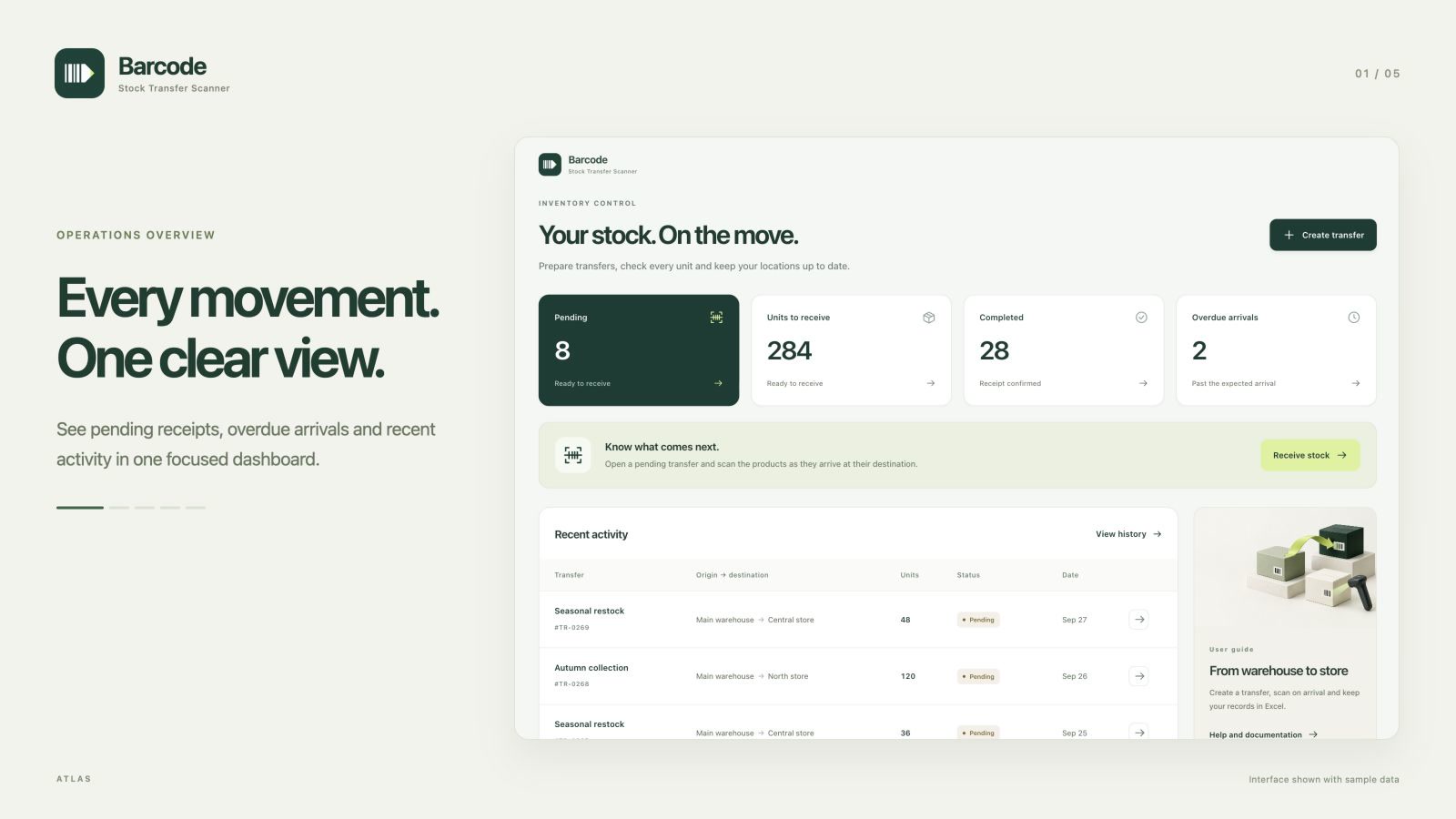
 BarcodeStock Transfer Scanner
Brand and Shopify listing

Listing screenshots
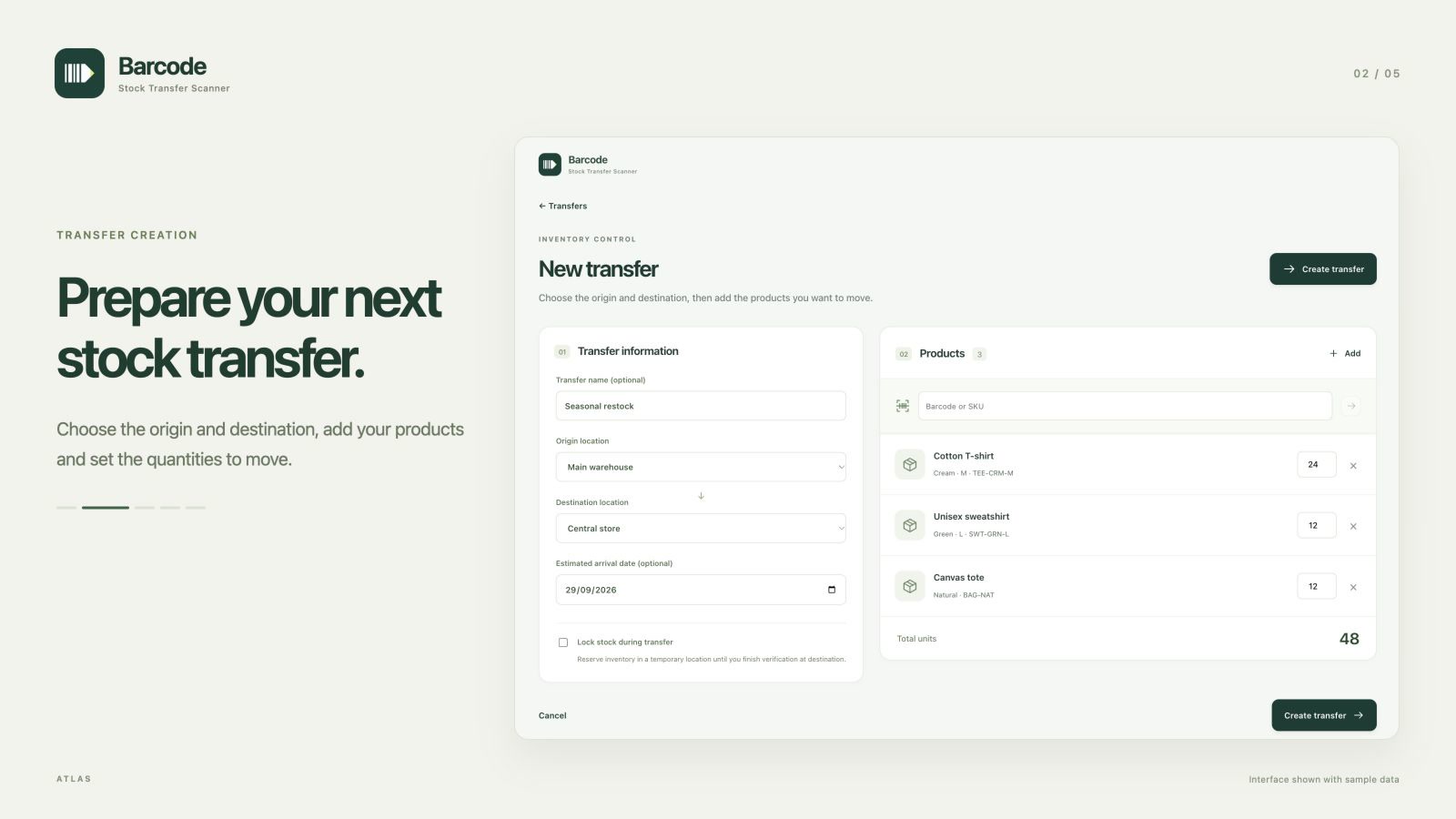
Transfer creation
Download JPG · 1600 × 900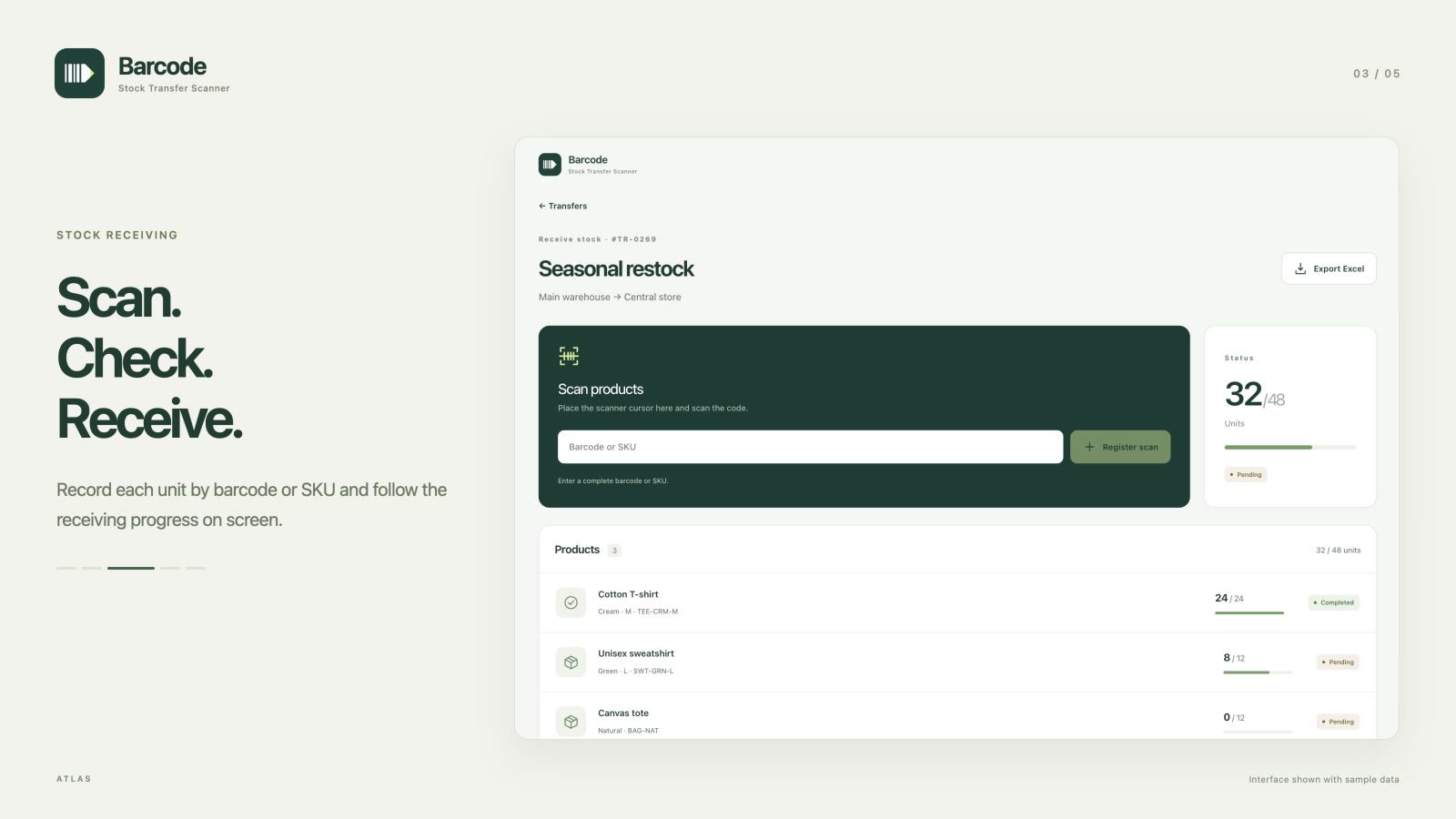
Stock receiving
Download JPG · 1600 × 900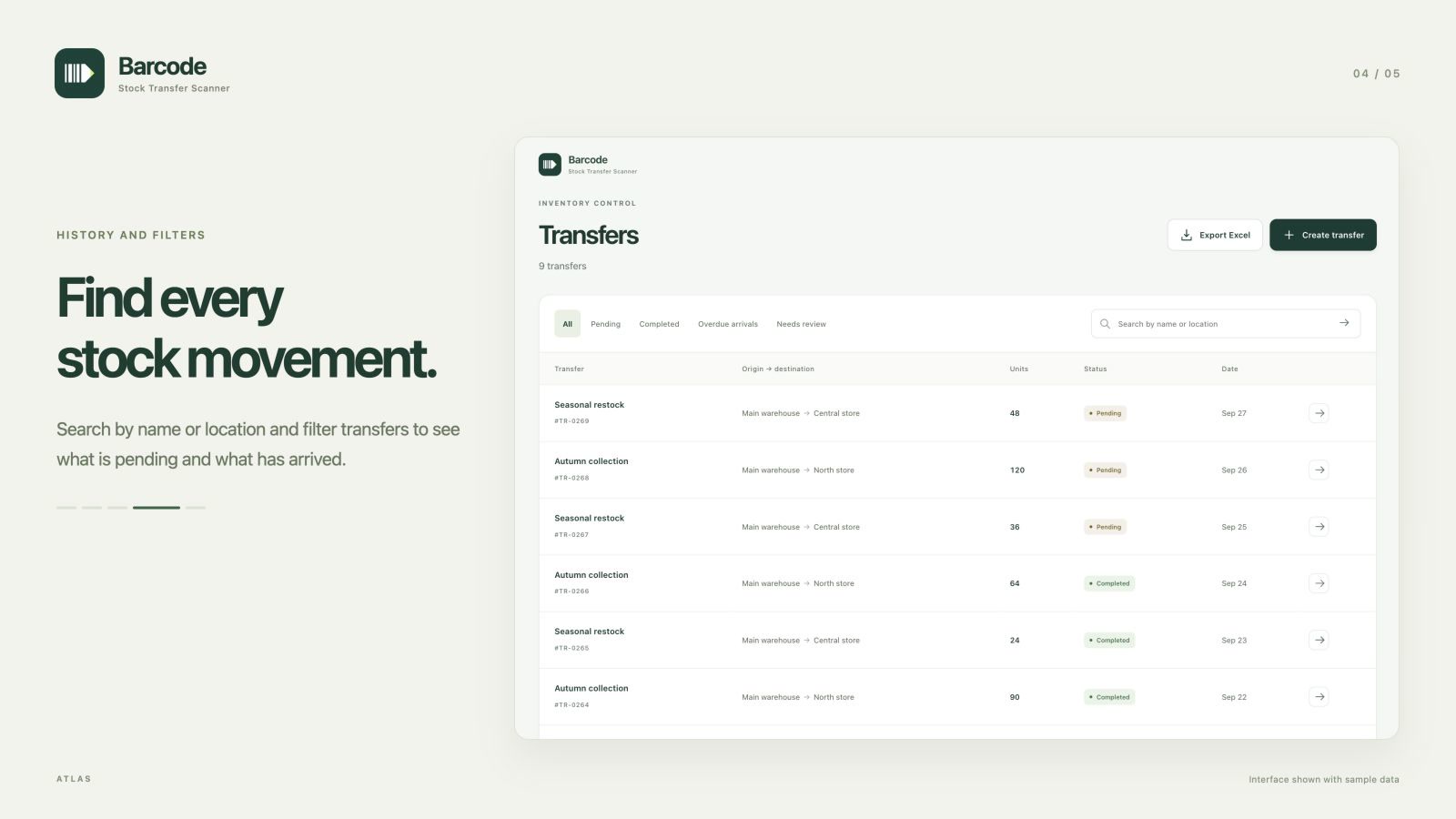
History and filters
Download JPG · 1600 × 900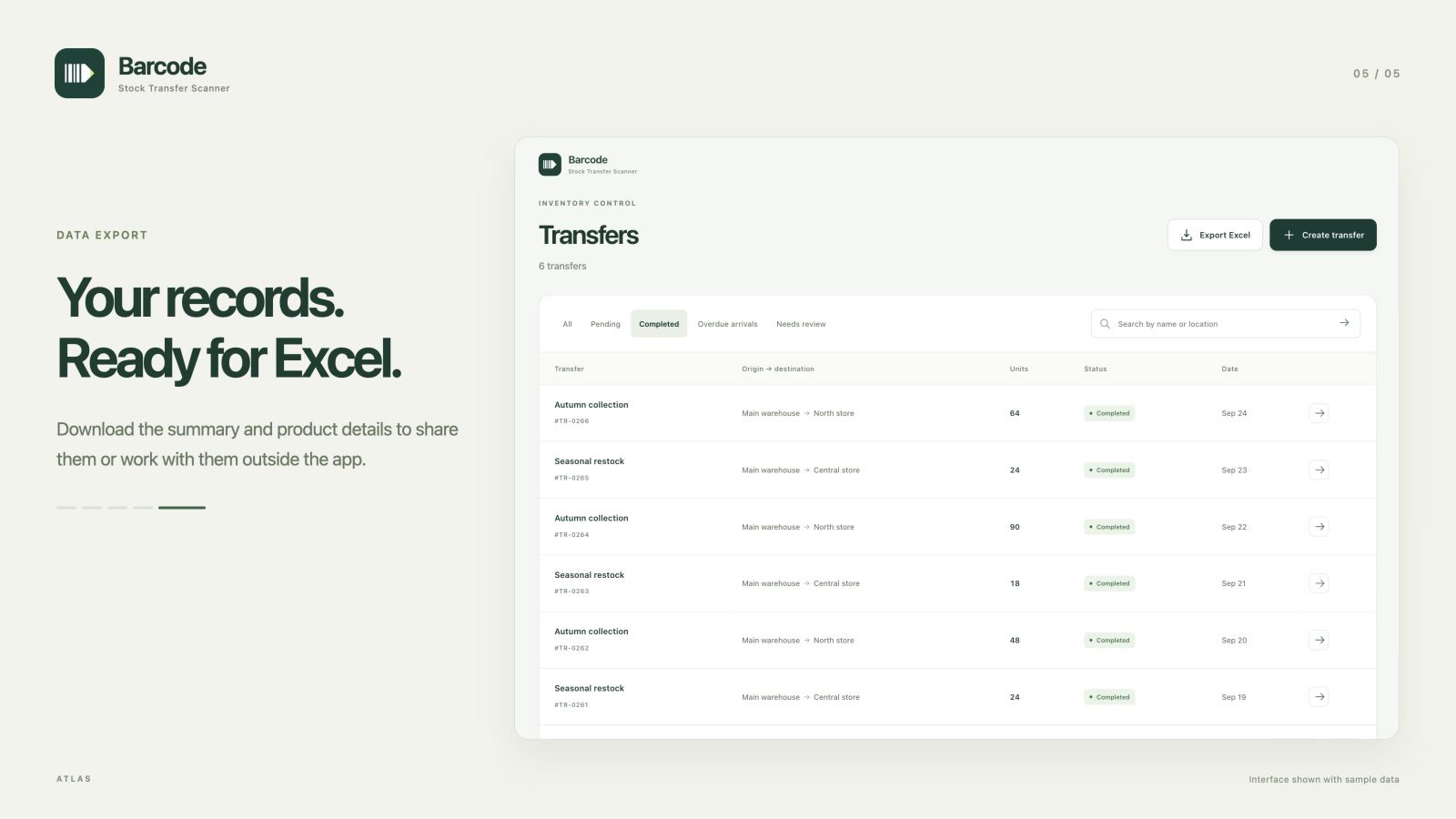
Data export
Download JPG · 1600 × 900Listing content
Transfer stock between locations with barcode scanning, receipt checks and Excel exports.
Manage stock movements between your warehouses and stores from Shopify. Create transfers, add products by SKU or barcode and scan each unit on arrival. See pending receipts, filter your history and download records in Excel. A clear interface for desktop and mobile, with support for USB and Bluetooth barcode scanners.
- Create stock transfers between your store locations.
- Find products by name, SKU or barcode.
- Scan and verify the received units of each product.
- Filter transfer history by status, name or location.
- Export transfers and product details to Excel in your language.
App icon